Point.
Capture.
Critique.
Get an honest critique the way a trained designer would give it. Get direct, specific feedback with no flattery. This allows you to get a read on any design in seconds, along with suggested fixes to act on.
No account to start · Your captures stay yours
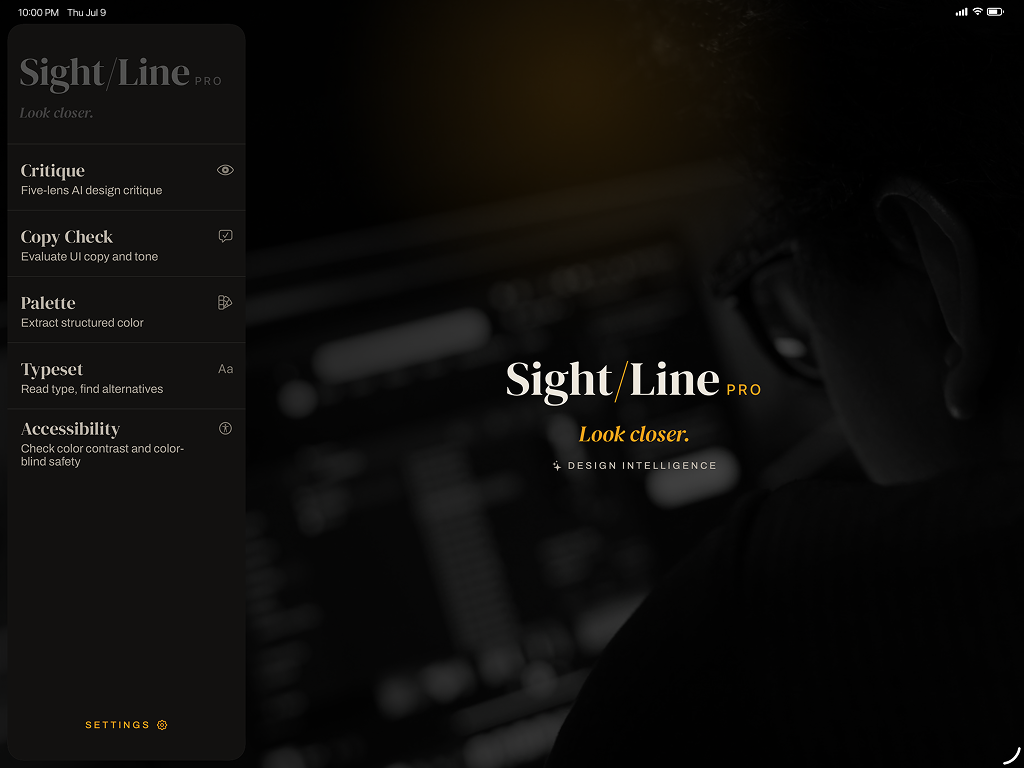
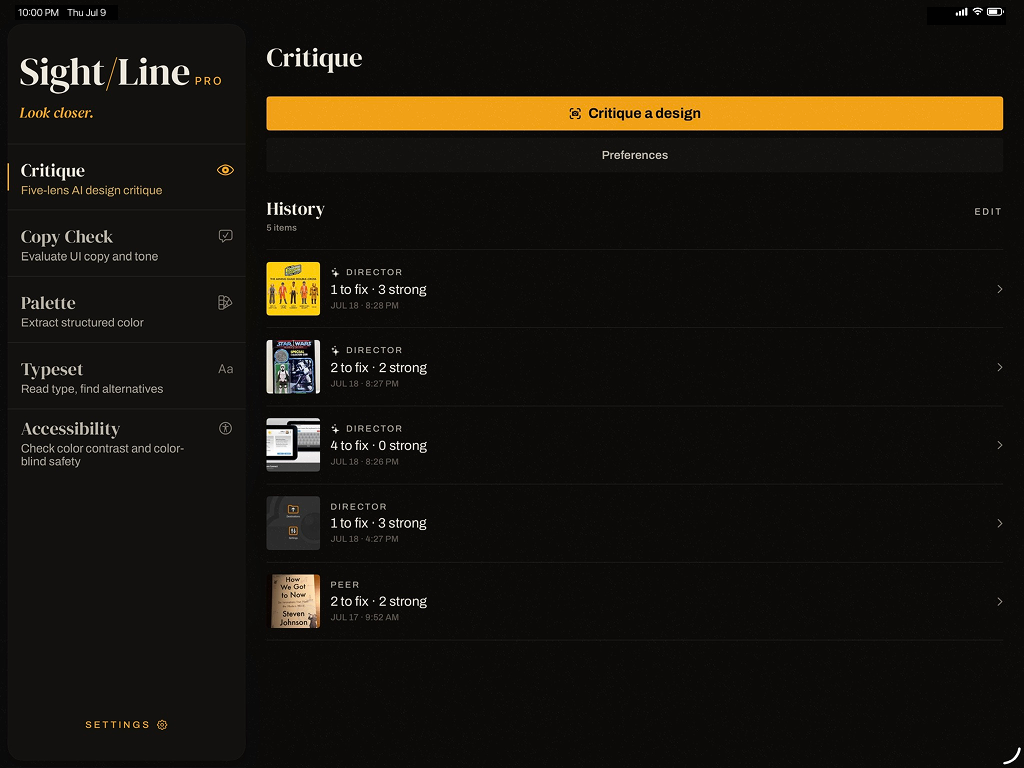
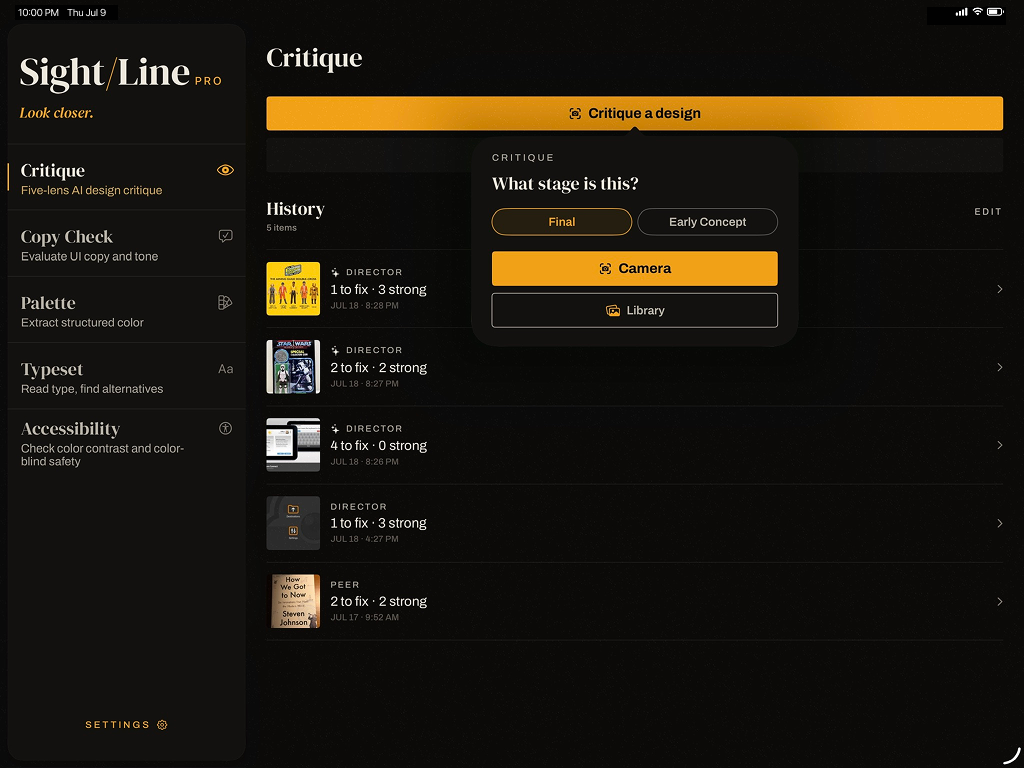

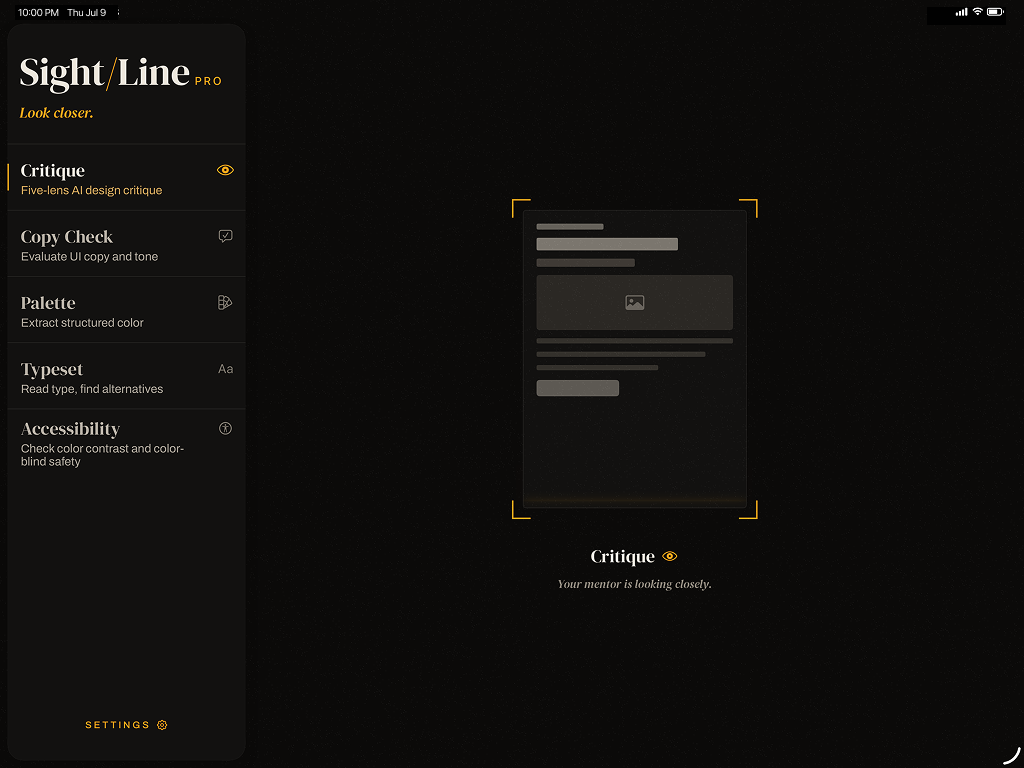
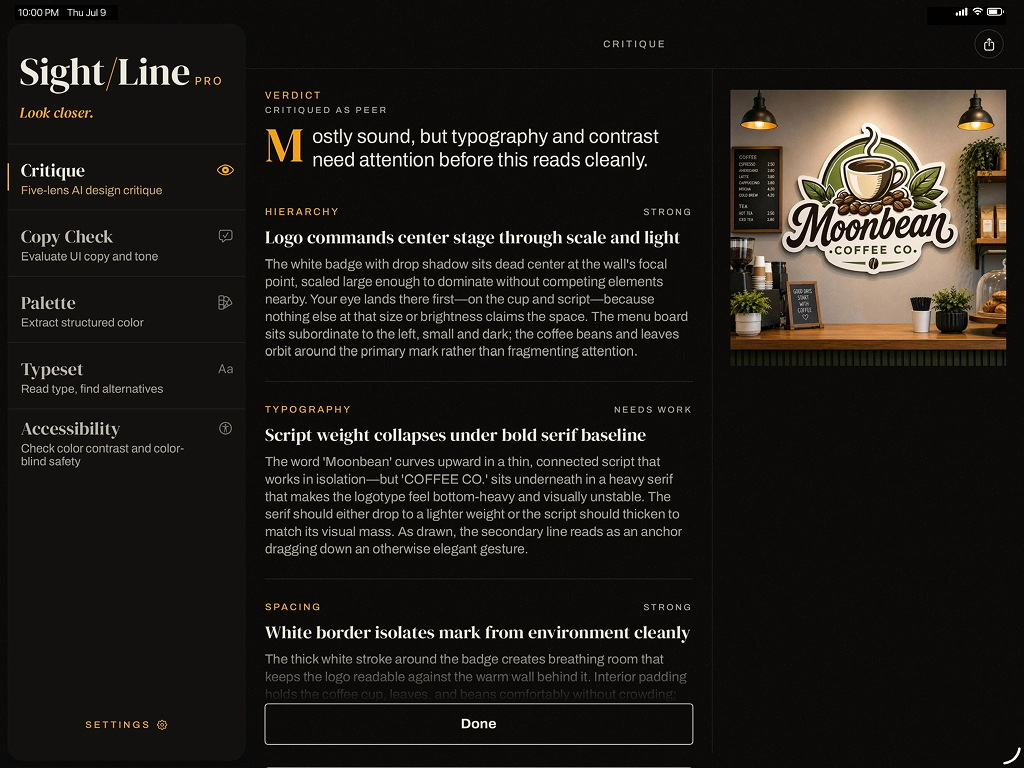
If it's designed, Sightline can read it. Whether it's pics from your camera roll, your Figma export, a sign in the coffee shop, or a poster on the wall.
From your screen to expert feedback in seconds
Choose a tool, capture or select your design, and read the verdict.
-
Step 01
Choose a tool
Start with the tool you need: Critique, Copy Check, Palette, Typeset, or Accessibility.
-
Step 02
Capture
Point your camera at a screen, mockup, or print — or choose an image from your files.
-
Step 03
Read
Get a focused verdict through that tool: find out what's working, what isn't, and why.
-
Step 04
Fix
Want suggestions for the fixes? Get specific corrections and adjustments to act on.
Five ways to look closer
Every tool offers two steps: the diagnosis first, then the fixes you can apply. Use one tool for a focused read or several tools to get a read on the design from different angles.
-
Critique
A five-lens read of hierarchy, typography, spacing, contrast, and intent.
-
Copy Check
Catches unclear, off-tone, or inconsistent wording.
-
Palette
Pulls the colors, names them, and reads how they work together.
-
Typeset
Reads the type and suggests stronger pairings.
-
Accessibility
Flags color-contrast problems before your users hit them.
From first look to final fix.
Below is a real Critique example on iPhone. It will read the design, give suggestions for the fixes you can act on, and allow you to tune the voice to match how you like your feedback.
- Every tool, one tap
- Capture anything
- Reading your design
- The honest verdict
- Fixes you can apply
- Tune the voice
One design mind. Every screen.
Every capture, read, and fix syncs across iPhone, iPad, and Mac — start on one, pick up on another. It all lives in your own private iCloud, never our servers.
A designer's eye
Whether you design for a living or just want it to look like you do.
-
Designers & Developers
A fast second opinion on UI mockups, screens, and marketing pages before they ship.
-
Founders & Indie Makers
App screens, landing pages, and pitch decks — without a designer on the team.
-
Marketers & Social Managers
Ads, social posts, email layouts, and campaign graphics before they go live.
-
Small Business Owners
Menus, flyers, signage, packaging, and storefront branding.
-
Students & Educators
Assignments, portfolios, project mockups, and slide decks.
-
Content Creators
Thumbnails, channel art, title cards, and brand kits.
Start free. Go unlimited when you're ready.
Every tool is free to try. Upgrade when you want to run without limits.
Free
No trial, no card
- 10 reads + 3 fixes each month
- All five tools
- Camera or file capture
- iPhone and iPad
- Amber accent theme
- Tool history synced over iCloud
Pro
or $34.99/year — save 42%
- Unlimited reads + fixes
- All five tools
- Camera or file capture
- Sightline for Mac — plus iPhone and iPad
- Every accent theme
- Tool history synced over iCloud
Unlimited is subject to fair use. See terms.
Need a few more some months? Credit packs top up your free allowance — one-time, and they never expire.
Good questions
What is Sightline?
An AI design critic in your pocket. Pick a tool — Critique, Copy Check, Palette, Typeset, or Accessibility — point it at a design, and get an expert-level read plus the fixes to act on.
Do I run all five tools at once?
No — one tool at a time, by design. Each tool gives a focused, in-depth read through its own expertise. Want more angles? Run the same image through another tool.
What's the difference between a "read" and a "fix"?
A read is a tool's verdict on your image — what's working, what isn't, and why. A fix turns that verdict into specific corrections to act on. Free includes 10 reads and 3 fixes each month.
What can I capture?
Anything designed — snap it with your camera or choose an image from your files: a screenshot, a Figma export, or a photo of something printed.
Which devices does it run on? Is Mac free?
iPhone and iPad on every plan; the Mac app is a Pro feature. Your tool history syncs across all your devices over iCloud.
How much is Pro, and how does billing work?
$4.99/month or $34.99/year (about 42% less). It's an App Store subscription — manage or cancel anytime in your Apple account settings.
What if I need more than the free limit but don't want Pro?
Buy a credit pack. It's a one-time purchase that adds credits to your account — used once your free monthly reads and fixes run out. Credits never expire and carry over month to month, so a pack you buy now keeps working later. No subscription, nothing to cancel.
"Unlimited" Pro — is there really no cap?
Pro lifts the monthly read and fix limits for normal use. A light fair-use policy keeps things reasonable — see the Terms for details.
Do I need an account?
No account or password — just be signed into iCloud. We never even see your Apple ID; iCloud simply keeps your tool history in sync across your devices.
Does it work offline?
The analysis runs in the cloud, so you'll need an internet connection to get a read.
What happens to my captures?
They stay on your device. An image is only sent out when you actually run a read — and only to generate that analysis. Your history and images sync through your own private iCloud, never our servers. Full detail on the Privacy page.